GStreamer 源码 Meson 编译 1.24
版本与环境介绍
GStreamer version : 1.24
Ubuntu : 22.04
1. 下载 GStreamer 源码
$ cat /proc/version
Linux version 6.5.0-44-generic (buildd@lcy02-amd64-103) (x86_64-linux-gnu-gcc-12 (Ubuntu 12.3.0-1ubuntu1~22.04) 12.3.0, GNU ld (GNU Binutils for Ubuntu) 2.38) #44~22.04.1-Ubuntu SMP PREEMPT_DYNAMIC Tue Jun 18 14:36:16 UTC 2
这里下载1.24版本

2. 依赖相关包安装
| python3 | >= 3.8 |
| ninja | >= |
| meson | >=1.1 |
2.1 部分包安装
为了解决后续配置编译问题还需要安装【不然出现错误】:
可选依赖包
sudo apt-get install libxv-dev libasound2-dev libtheora-dev libogg-dev libvorbis-dev libbz2-dev libv4l-dev libvpx-dev libjack-jackd2-dev libsoup2.4-dev libpulse-dev faad libfaad-dev libfaac-dev libx264-dev libmad0-dev yasm
2.2 安装 Meson 和 Ninja
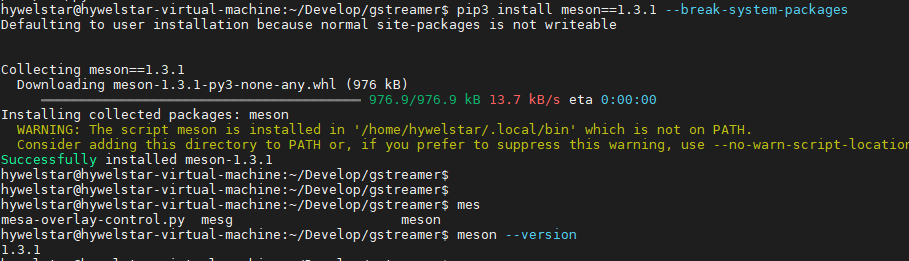
更新meson 版本
3. 配置编译安装
3.1 配置编译
# 配置
meson setup builddir
# 推荐!!!!配置安装指定路径
mkdir _install
meson setup --prefix=/home/hywelstar/Develop/gstreamer/_install builddir

# 编译
meson compile -C builddir
假如需要安装指定目录可以选择一下方式:
# ===============以下可选择==============
# 更换安装目录方法:
# 首次配置的话采用
meson setup --prefix=/home/hywelstar/Develop/gstreamer/_install builddir
# 中途更改安装到指定路径
meson setup  builddir --reconfigure  --prefix=/home/hywelstar/Develop/gstreamer/_install
# =====================================
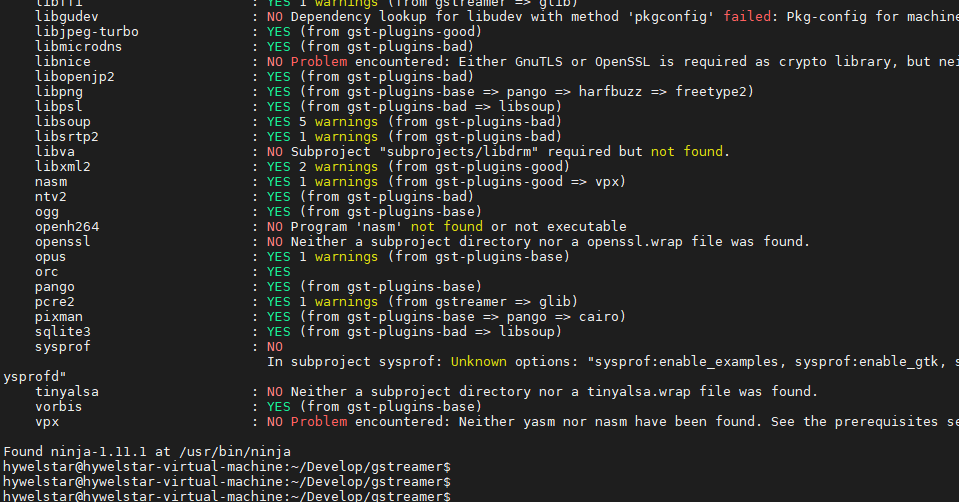
配置完成:
编译

3.2 安装

看到下图表示安装成功
4. 环境测试
运行gst-env.py 将带你进入刚刚编译的那个环境

测试命令:

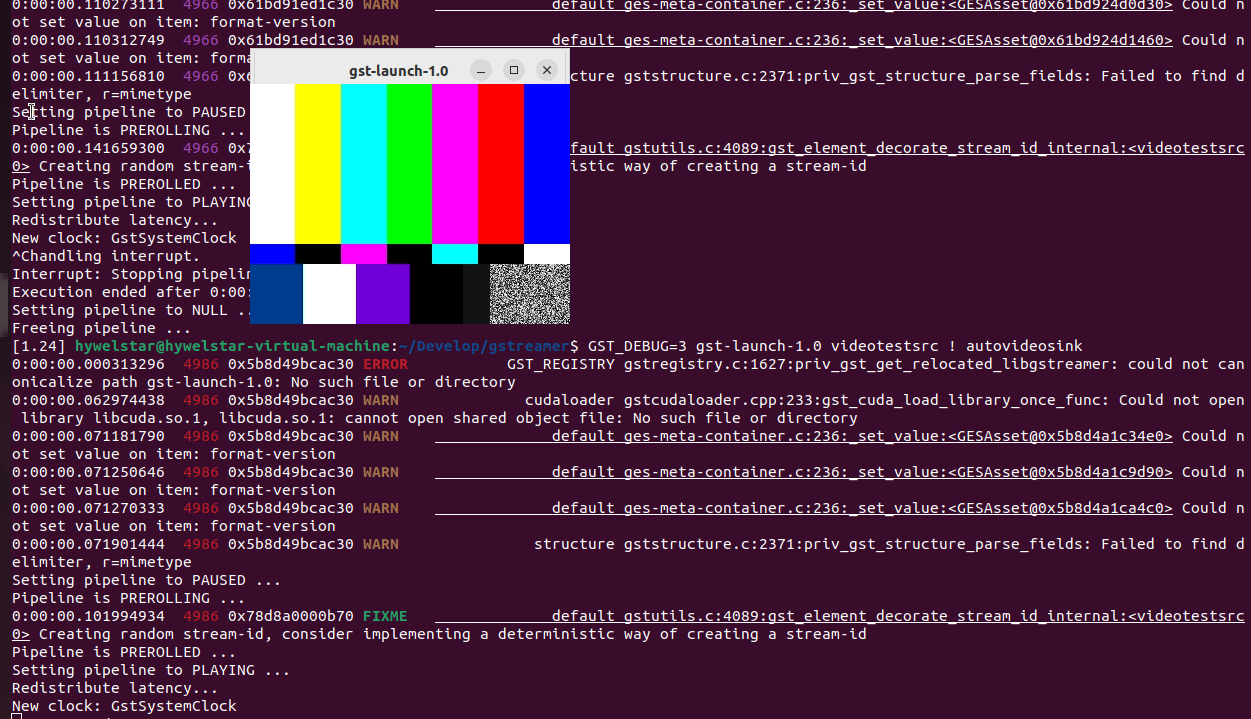
图像测试【如果出现错误,请跳转配置参数章节】:
5. 问题解决
5.0 网络问题代理
git config --global user.name "hywelstar"
git config --global user.email "hywelstar@126.com"
git config --list

export http_proxy=http://192.168.5.104:10809
export https_proxy=https://192.168.5.104:10809

git config --global http.proxy http://192.168.5.104:10809
git config --global https.proxy https://192.168.5.104:10809

############取消代理############
git config --global --unset http.proxy
git config --global --unset https.proxy

unset http_proxy
unset https_proxy
5.1 ERROR: Meson version is 0.61.2 but project requires >= 1.1
The Meson build system Version: 0.61.2 Source dir: /home/hywelstar/Develop/gstreamer Build dir: /home/hywelstar/Develop/gstreamer/builddir Build type: native build
meson.build:1:0: ERROR: Meson version is 0.61.2 but project requires >= 1.1

解决办法:

其他可能报错 error: externally-managed-environment
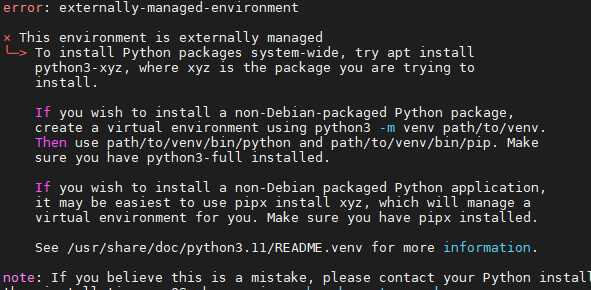
解决:
meson 版本过低,强制安装meson 版本。
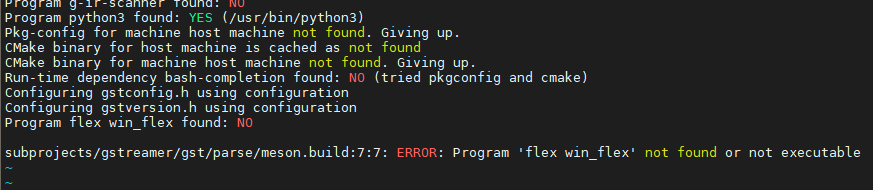
5.3 'flex win_flex' not found
ERROR: Program 'flex win_flex' not found or not executable
解决办法:
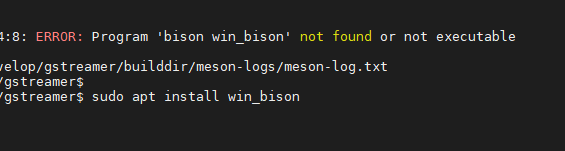
5.4 'bison win_bison' not found or not executable
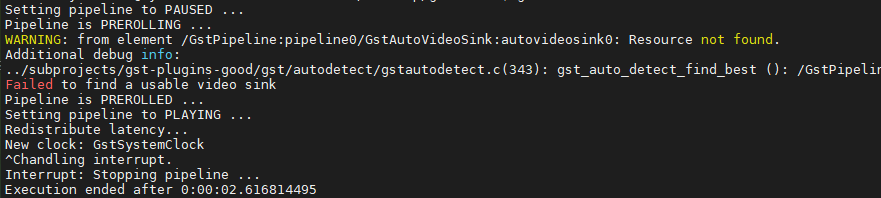
5.5 Failed to find a usable video sink
5.6 ERROR: Program 'bison win_bison' not found or not executable
gstreamer| Program bison win_bison found: NO
subprojects/gstreamer/gst/parse/meson.build:34:8: ERROR: Program 'bison win_bison' not found or not executable
